How Hard Can This Be? (Part 2) And a Reveal

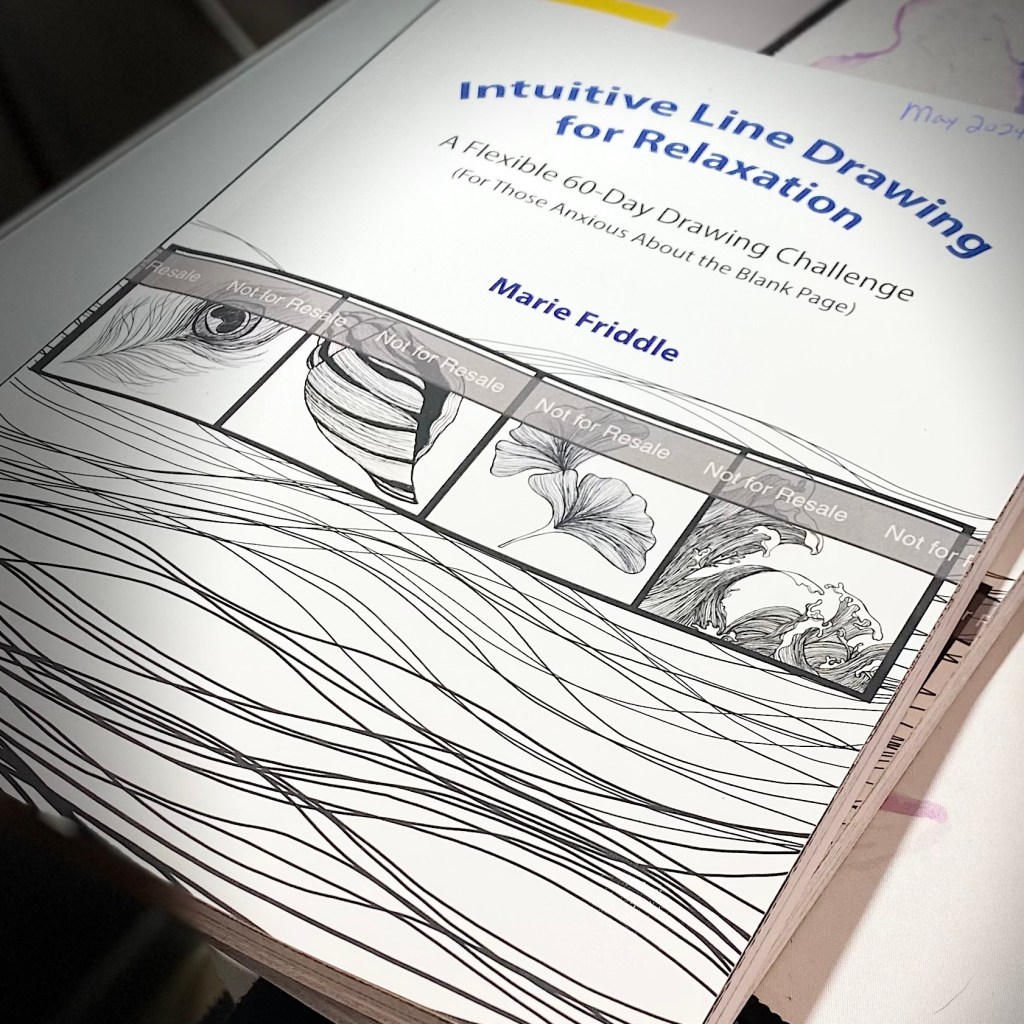
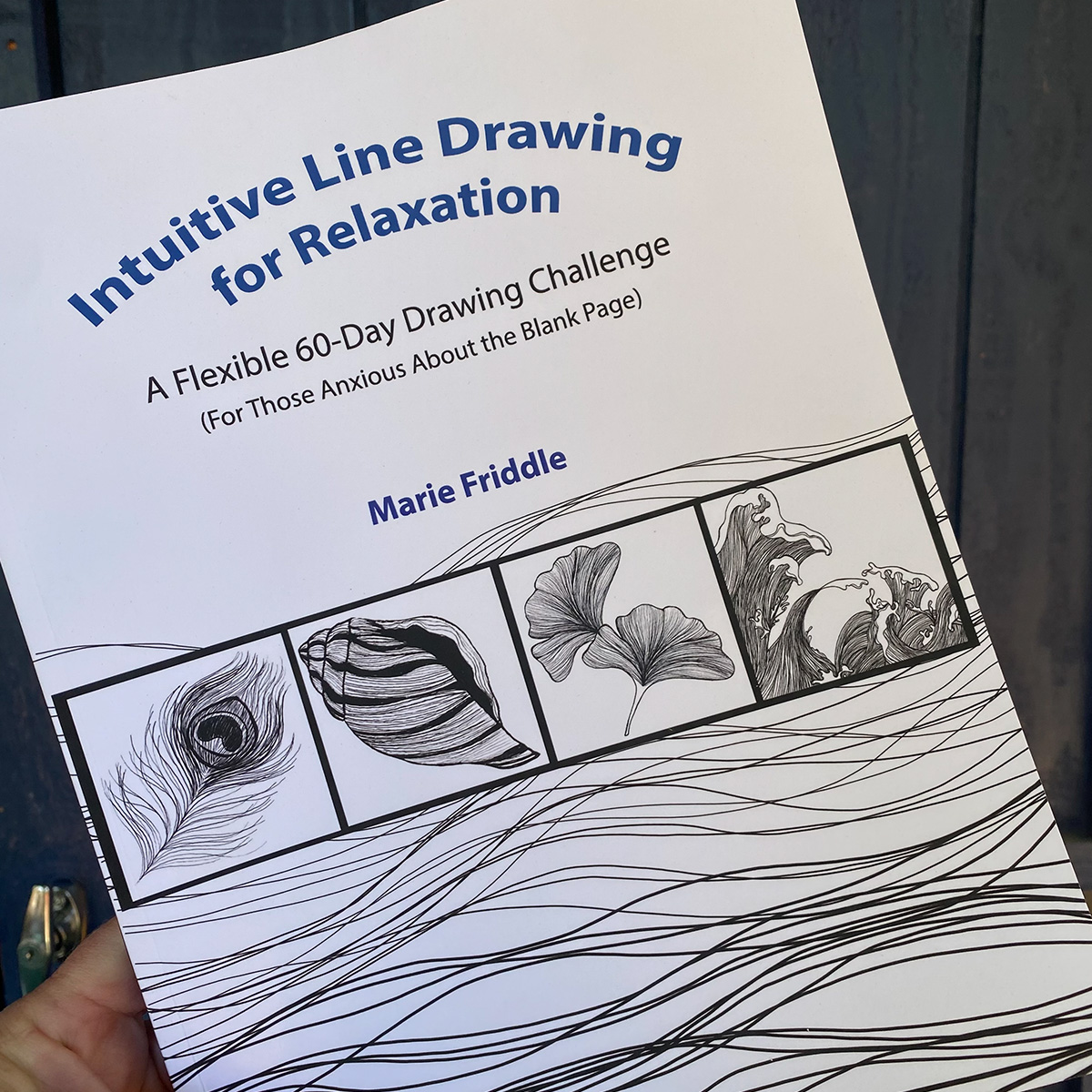
Guess what arrived this weekend??? My Author copy of my finished and published book. Even though I’ve been sharing (well, my amazing friends have been sharing) a little bit already, I feel like it’s actually official  now, having this final, finished copy in my hands. It feels so good!

I recall that day back in March 2022 when I announced I was going to write a book.

Then there was 2023 me (almost to the exact date): “Bloody hell, I have no idea what I am doing, I’m never going to be done with this. I give up!”

2024 me: “I’m never going to finish this.”

2024 me again: “That wasn’t too bad.”

But still, as it is all fresh in my mind, it was pretty hard. I’ll spare you all the details though.

Now, don’t get me wrong – I don’t believe it’s oh-so easy to actually write a book. I have a hard enough time with a blog post. But this was just supposed to be a simple ‘Drawing for Relaxation’ book; mostly drawings, very little writing. And while the writing part turned out to be much more than I was originally planning, the real challenge and frustration came with my lack of technical skills.

(And if you happened to have read part 1 of this post, you’ll know there were also a few little bumps just before I reached the finish line as well.)
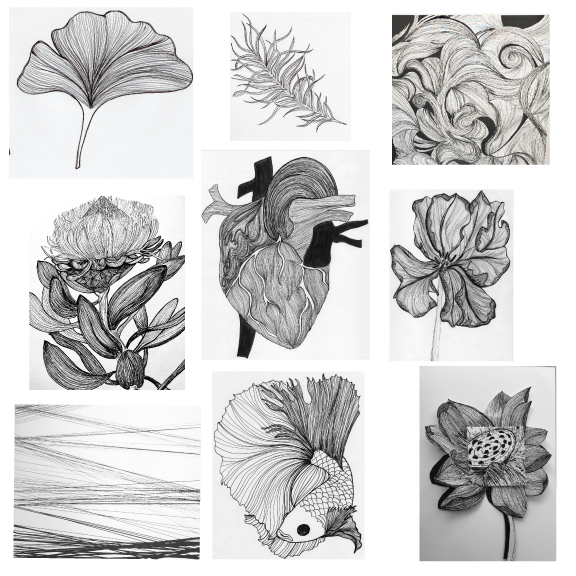
While I had created A LOT of art for this book, there was also alot that didn’t make the cut. And getting it all cleaned up and into the correct format took much more time to figure out. Time and money. I ended up taking a few courses so I could learn to use the design programs I chose to use for formatting the art and the book overall. It took a while to get comfortable enough with these programs that I could develop a nice workflow.

Anyway, it was quite a long journey to get to this point and even though it’s only a self-published book, I’m really happy I stuck with it and saw it through to the end. Here’s a little collage of the book and what’s inside. you can click on the photos to see a full description on Amazon.

Collage of inside book Line Drawing for Relaxation. Black and white line drawings and table of contents.
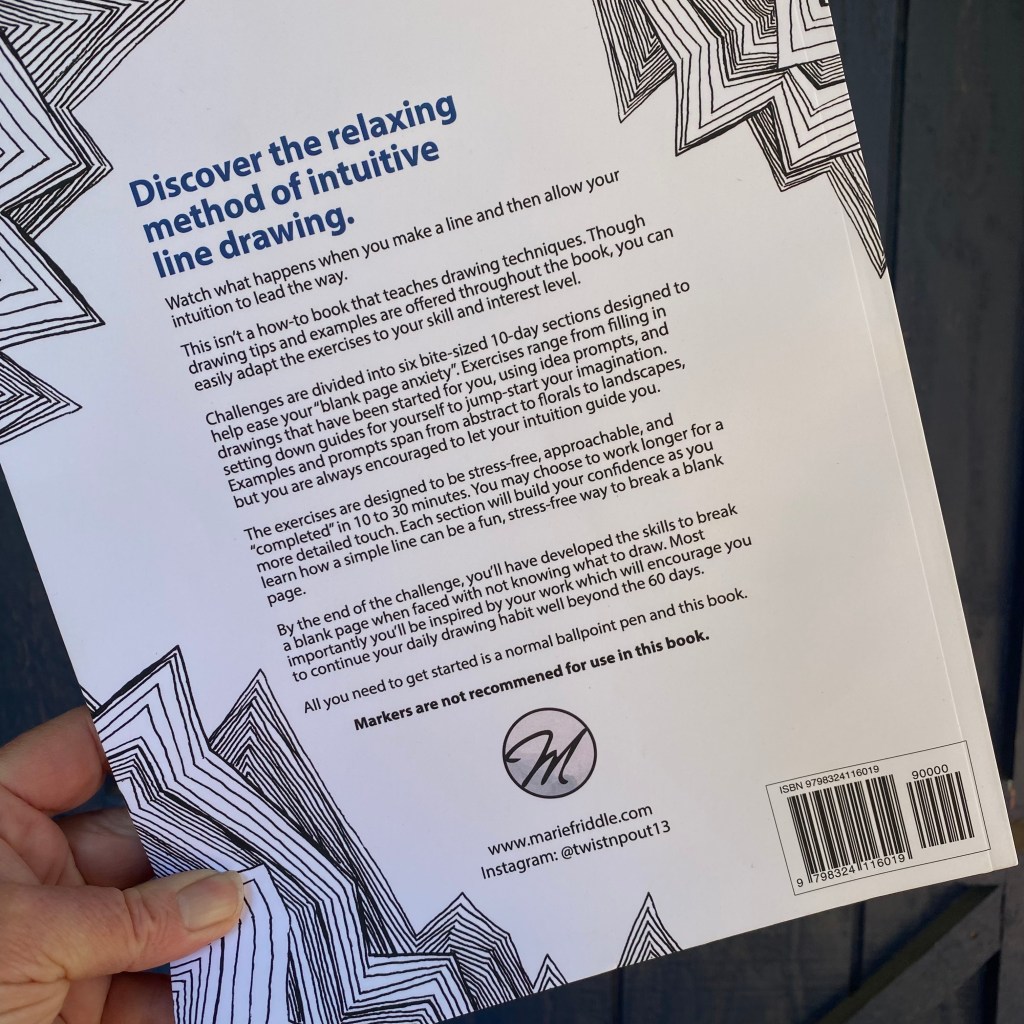
back of book, Line Drawing for relaxation,

Are you a self-published author or have you ever thought of what it would take to write and self-publish your book? I’d like to hear your thoughts about your experiences with self-publishing or what might be holding you back from getting started.

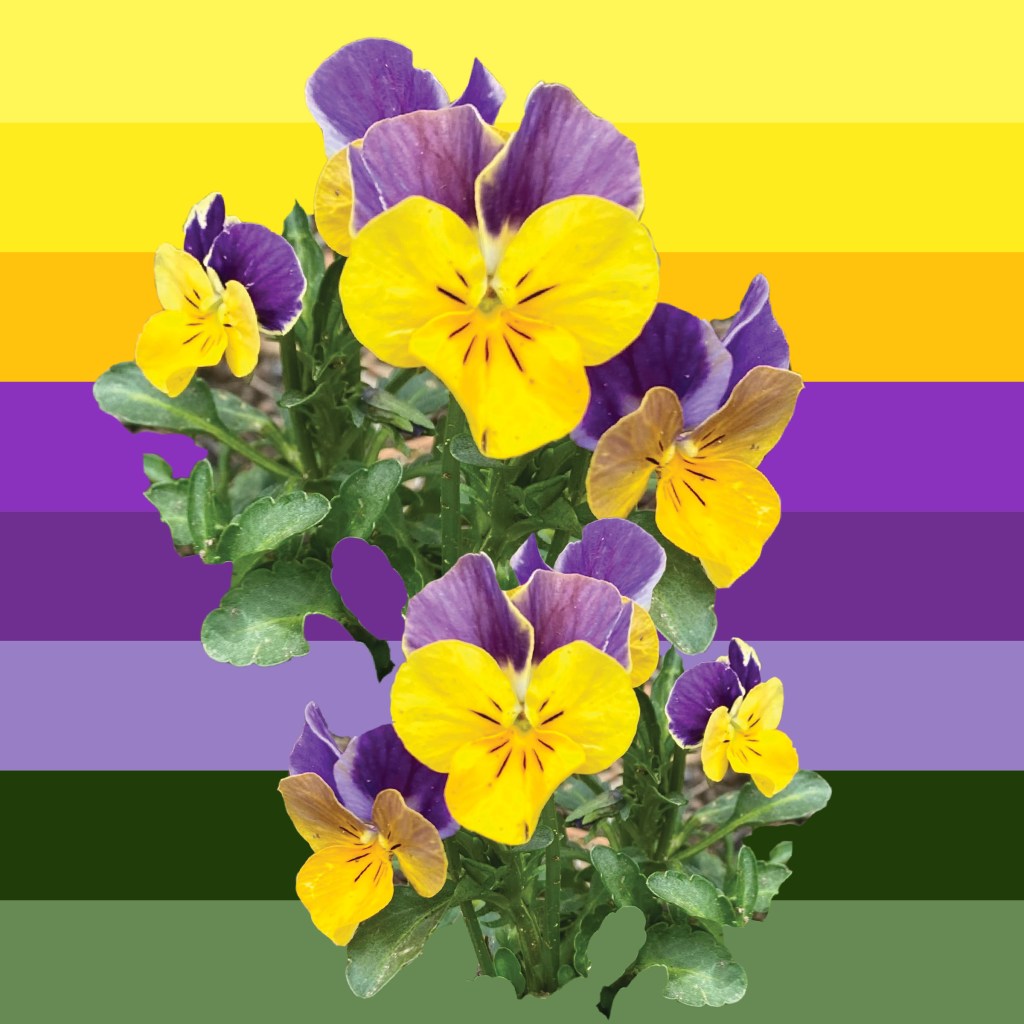
Monday mood Board

These little ones never seem to disappoint and they are pretty amazing too. I planted a few about 5 years ago and they have been dug up, dragged about, and trampled (thanks Sprocket.) Year after year- they rear their pretty little heads. Nothing seems to phase them and they thrive wherever they happen to land.

I’ve gotten more than a year of joy from these “annuals”. 

How Hard Can This Be?

Well, I ended up not having nightmares, but I sure am having a lot of anxiety.

After I uploaded my book to KDP, I ordered a proof copy to quadruple-check for any glaring errors in the print version. Of course, I found a few – one very obvious one, right on the first page. No big deal, all the errors were easy fixes so as soon as I made the corrections, I just uploaded the corrected manuscript.

Since I didn’t get any error alerts on KDP when I uploaded the manuscript the first time, I was certain it would be smooth sailing this time as well. After all, aside from fixing a few spelling errors, everything else was exactly the same and I had been able to order a proof copy with no problem.

Once the corrected manuscript was uploaded I very nervously hit “publish”.  I’d have to wait about 72 hours for the book to pass a quality check, but I wasn’t worried. I was full of excitement that my book would be live in a few days, but also full of anxiety that there might be one big, fat, glaring error I failed to catch, but now it would be on my published version, and from what I understand, that is not an easy fix.

I was pretty excited to find an email from KDP early the next morning and I thought “HOLY HECK – my book is live already!”

I opened the email.

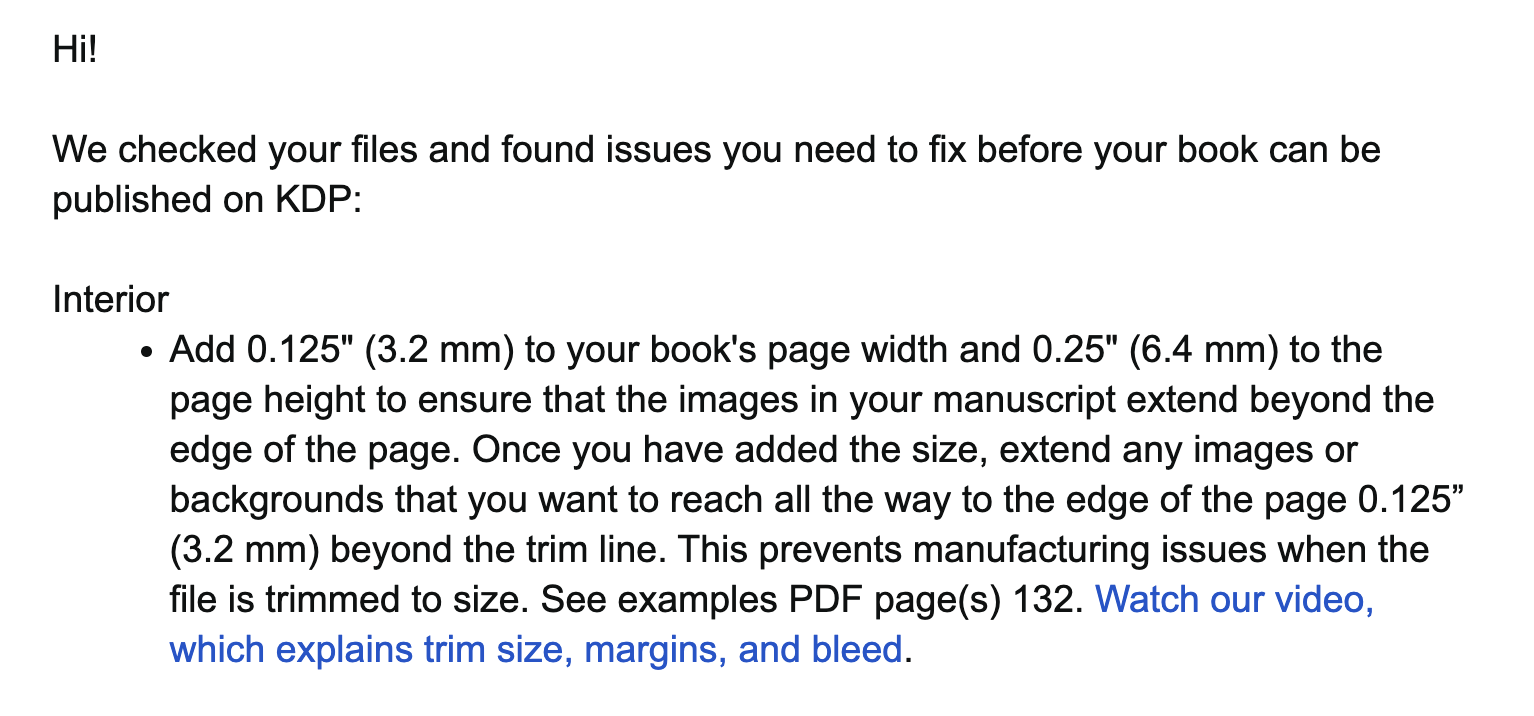
Hold up – errors need to be fixed? Big ones. The kind that meant I’d probably have to create a whole new document and basically create the book all over again. “Deep breaths. You did it once, just fix the margins and you can place all the content in just the same way, won’t take too long.” Perhaps the issues weren’t as big as they seemed, but for someone like me, who is quite tech-challenged with this stuff -I knew it might be days worth of work to sort it all out.

Now, I’ve been struggling through just about every part of this process from day one, so why would I have thought for a second this part would be any easier? And WHY is there a problem now I wondered. How could this be? Why weren’t there issues with the proof?

I decided to take the lazy way out and NOT redo the whole document, but just tweak a few of the images that looked like they may not have been placed correctly. It was a last ditch effort to save myself some time, so I went ahead and hit that upload button.

For some reason, the upload button on the KDP site wasn’t working. Like at all, for more than an hour. I tried logging out and logging back in, refreshing the page, walking away for a while – still, nothing. Finally, I did a little investigating and came across an article that suggested changing browsers. Huh? Well, ok. I switched to Safari and for some reason, that did the trick. 

Again, I uploaded the manuscript. Again, I hit that “publish” button. And again I waited for that (dreaded) email from KDP telling me I had errors that needed to be fixed.

Then came the dreaded email from KDP:

This time it worked! My book was live! I actually did a little happy dance, in my head. So much relief at not having to reconfigure the whole document.

And yet, here I am again, nervously waiting for the authors copy to arrive, not sure what to expect. I have a few days to stew in my anxiety, second guessing myself. Fingers crossed I didn’t mess anything up by fidgeting with those images.

To be continued…

In the meantime; Are you interested in knowing what goes into self-publishing a book on Amazon? Or maybe you’ve done so already. Maybe you have done it through another platform. I’d be interested to know your thoughts, opinions, or advice!

Just About There

Super excited to share this tiny little sneak peek with you. Just a snippet of the process. According to Amazon, my book should be live in 72 hours. I had such anxiety over hitting that publish button. I’ll probably have nightmares about it tonight.

Fun With Procreate

Seems all I’m doing is practicing and taking classes. I feel like I should be a doctor of something by now.

I’ve actually been working on a big project that I thought would have been done about 6 months ago. But as usual, there’s another huge learning curve and I’ve had a few technical issues that I am still trying to work out, but it is getting there. At least I’m moving forward, right?

In the meantime, I’m doing something that is just for fun but that will also help me with my workflow in Photoshop and Illustrator and eventually get me closer to my big goal.

I have had this Procreate app on my iPad for well over 5 years and it has been a bit of a struggle getting to where I understand how to use all the brushes and honestly, having to work in layers was so cumbersome, it really took all the enjoyment out of it. Drawing doesn’t feel very spontaneous when you have to keep clicking around to get different brushes and add or switch between layers. But as with anything it just takes practice and soon it all becomes more intuitive.

I really wanted to dive into Procreate as Procreate files are compatible with Photoshop and I think I’ll enjoy being able to draw from the comfort of my sofa or beach or anywhere else other than feeling tied to my desktop.

I discovered Art with Flo on YouTube and had so much fun with her tutorials there I just HAD to join her Patreon. OMGOSH – I’m having so much fun working through all of her lessons! Flo’s projects range from beginner to advanced and she offers lessons in many different styles and a range of subject matter, which is great for learning how to use all the brushes. I’m really excited to be able to work more in Procreate, as it’s a great way to get away from my computer and work from pretty much anywhere.

I’ve also learned to give myself permission to just have fun with this. It is a nice escape from the project I’ve been working on, and I look forward to the evenings when I can spend a little time working on Flo’s lessons. Though her lessons range in time from 30 minutes to an hour, I’m ok if they take me longer. I’m really enjoying this process and can’t wait to learn more.

Here is a fun one I thought I’d do as I always start thinking about lots of sweet treats this time of year and today happens to be National Cupcake Day!

I think I worked on it over 3 nights and I have to say that though realism isn’t really my preferred style, I’m not that detail-oriented, I did really enjoy doing this.

Here is a shot of the cupcake Flo did in her tutorial on Patreon. But you can find more of her classes on YouTube as well.